
To set up SEO in WordPress, install an SEO plugin like Yoast and configure its settings. Optimize your content using targeted keywords.
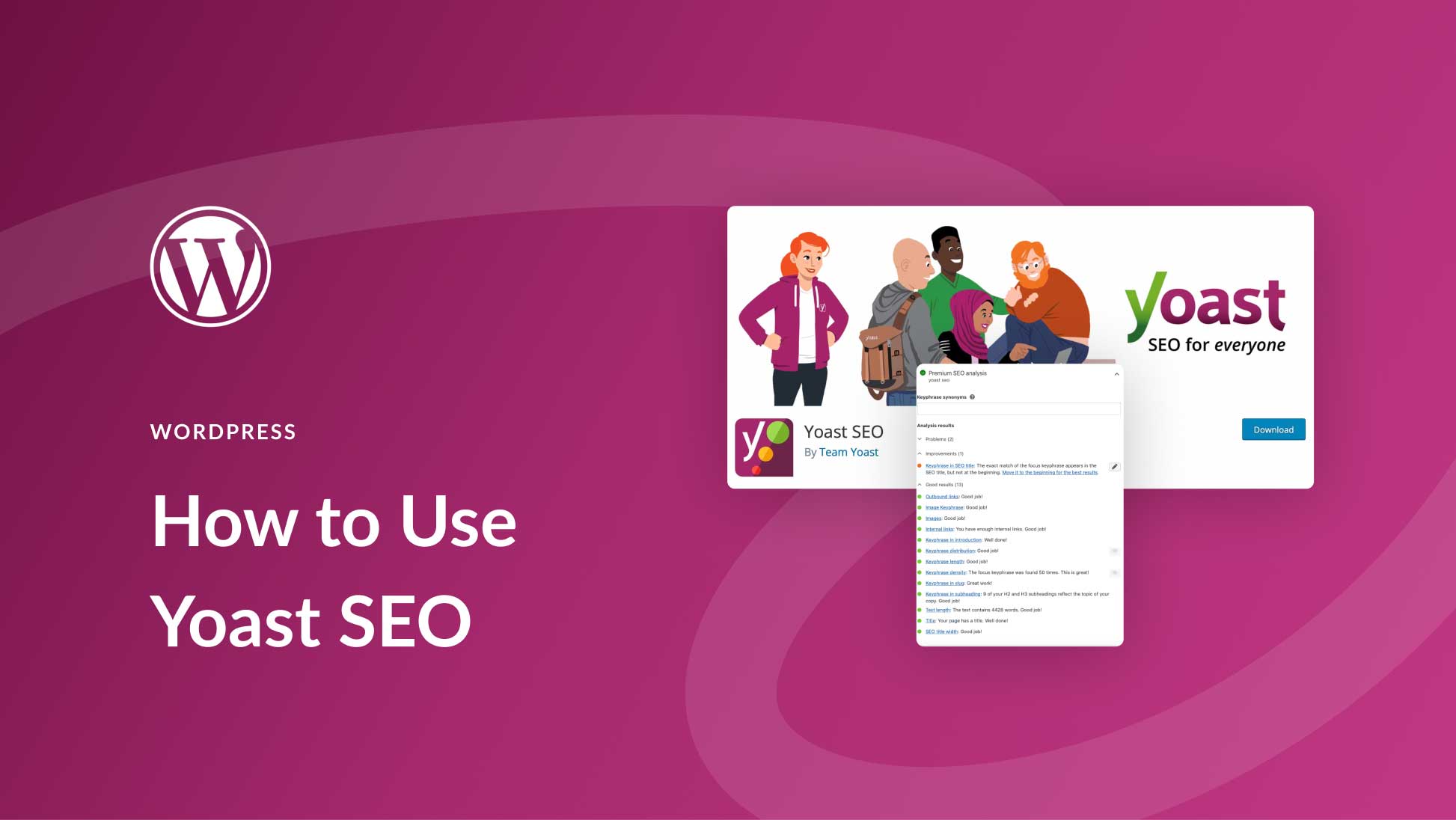
Setting up SEO in WordPress is crucial for driving organic traffic to your website. With the right strategies, you can improve your site’s visibility on search engines. Start by installing a reliable SEO plugin such as Yoast SEO or All in One SEO Pack.
These plugins offer powerful tools to optimize your site’s metadata, sitemaps, and overall structure. Focus on keyword research to identify terms your audience is searching for. Craft engaging, keyword-rich content that addresses user intent. Regularly update your site and monitor your analytics to track performance. Proper SEO setup can significantly enhance your site’s search engine ranking.

Choosing The Right Seo Plugin
To set up SEO in WordPress, you need the right plugin. A good plugin helps you optimize your site. It makes SEO tasks easy and efficient. This section will guide you in choosing the best plugin for your needs.
Top Seo Plugins
Here are some of the top SEO plugins available:
| Plugin Name | Key Features | Rating |
|---|---|---|
| Yoast SEO | Keyword optimization, Readability check, XML sitemaps | 4.9/5 |
| All in One SEO Pack | XML sitemap support, Google Analytics, SEO integration for e-commerce sites | 4.8/5 |
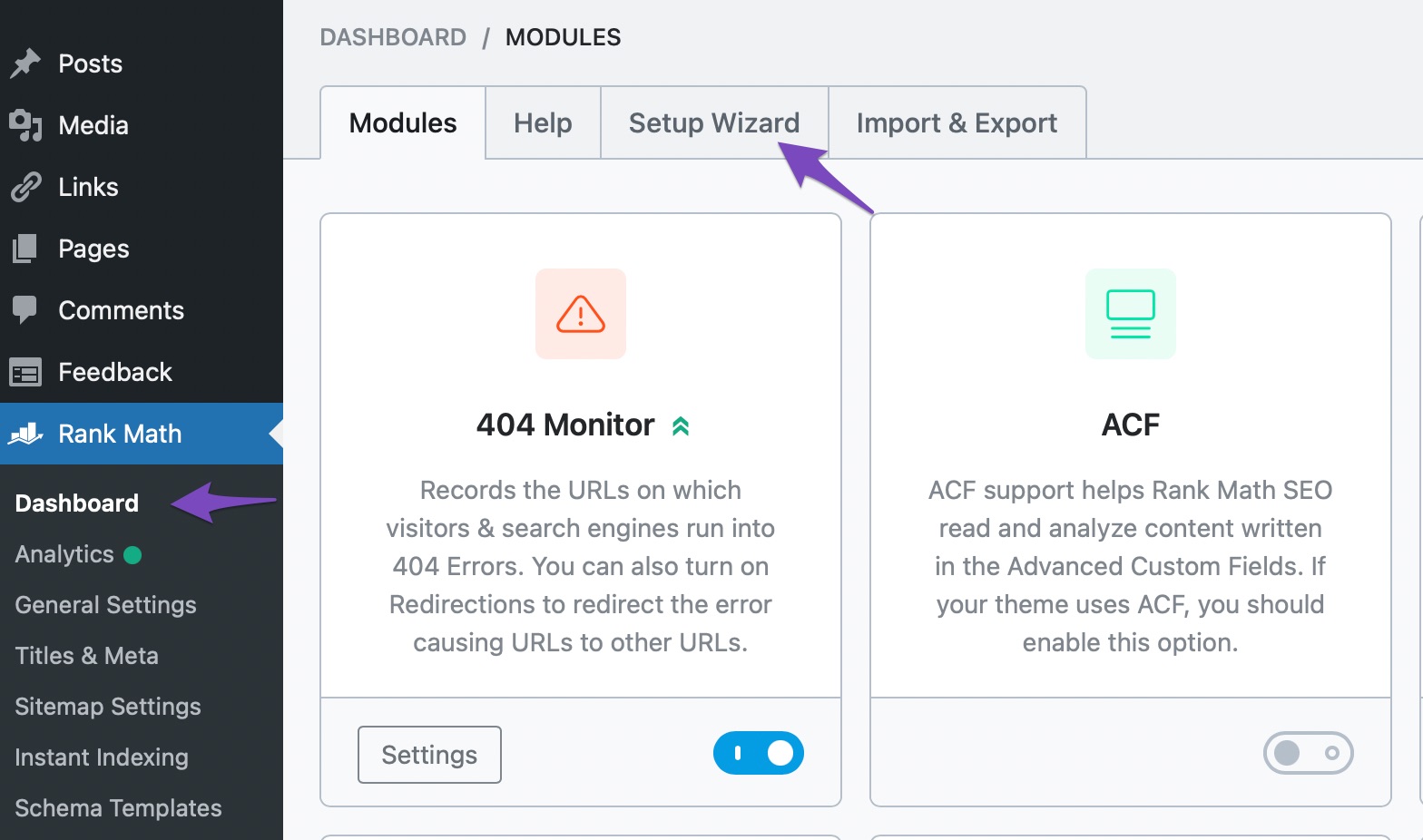
| Rank Math | SEO analysis, Google schema markup, Keyword rank tracking | 4.7/5 |
Installation Guide
Follow these steps to install an SEO plugin:
- Go to your WordPress dashboard.
- Click on Plugins in the sidebar.
- Select Add New at the top.
- Search for your chosen plugin (e.g., Yoast SEO).
- Click on Install Now.
- After installation, click on Activate.
Your SEO plugin is now ready. You can start optimizing your site.
Keyword Research
Keyword Research is the backbone of any SEO strategy. It helps you find the terms your audience uses. This improves your site’s visibility on search engines. In this section, we’ll cover two vital steps: Finding Relevant Keywords and Using Keyword Tools.
Finding Relevant Keywords
Start with a brainstorming session. Think of words related to your niche. Write down all the terms that come to mind. Next, consider your audience’s problems and needs. This helps you identify keywords they might use.
Another method is to look at your competitors. Visit their websites and see which keywords they target. This can give you ideas for your own list. Also, check the comments and reviews on your site. They can reveal common phrases your audience uses.
Here is a simple table to help you organize your findings:
| Keyword | Search Volume | Competition |
|---|---|---|
| WordPress SEO | 10,000 | High |
| SEO plugins | 8,000 | Medium |
| Keyword research tools | 5,000 | Low |
Using Keyword Tools
Keyword tools make your job easier. They provide data on search volume and competition. Here are some popular tools:
- Google Keyword Planner: Free and easy to use.
- SEMrush: Offers in-depth analysis.
- Ahrefs: Great for competitor research.
- Ubersuggest: Ideal for beginners.
To use these tools, enter your seed keywords. They will generate a list of related terms. Look at the search volume and competition. Choose keywords that have high volume and low competition.
Here is an example of how to use Google Keyword Planner:
- Go to Google Keyword Planner.
- Enter your seed keyword.
- Check the list of suggested keywords.
- Note the search volume and competition.
- Pick the best keywords for your site.
These tools help you refine your keyword list. They ensure you target the right terms. This boosts your site’s ranking and attracts more visitors.
On-page Optimization
On-Page Optimization is crucial for improving your website’s visibility. It involves tweaking various elements on your web pages. This process helps search engines understand your content. Let’s dive into some essential aspects.
Optimizing Titles And Meta Descriptions
Your titles and meta descriptions are the first things users see. They should be compelling and relevant. Follow these tips:
- Keep titles under 60 characters.
- Include primary keywords in the title.
- Write meta descriptions under 160 characters.
- Incorporate secondary keywords in the meta description.
- Ensure both are unique for each page.
| Element | Length | Keywords |
|---|---|---|
| Title | Under 60 characters | Primary keyword |
| Meta Description | Under 160 characters | Secondary keyword |
Using Header Tags Effectively
Header tags structure your content. They guide both users and search engines. Use them correctly:
- Use
for the main title. - Use
for main sections. - Use
for sub-sections. - Use keywords in header tags.
- Maintain a logical hierarchy.
Here’s an example:
Main Title
Section Title
Sub-Section Title
Proper usage of header tags improves readability and SEO.
Content Creation
Creating high-quality content is key to a successful SEO strategy on WordPress. This involves writing engaging and original content. Here, we’ll explore the essentials of writing SEO-friendly content and the importance of originality.
Writing Seo-friendly Content
Writing content that ranks well on search engines is crucial. Follow these tips for SEO-friendly content:
- Use Keywords Wisely: Include relevant keywords in your titles, headings, and text.
- Optimize Headings: Use H1, H2, and H3 tags properly. This helps search engines understand your content.
- Write Clear and Concise Sentences: Use short sentences that are easy to read.
- Include Internal and External Links: Link to your other posts and reputable sources.
- Add Alt Text to Images: Describe your images using keywords. This helps with image search rankings.
Importance Of Originality
Original content is vital for SEO success. Search engines prioritize unique content. Here’s why originality matters:
- Builds Credibility: Unique content establishes you as an authority in your niche.
- Improves User Engagement: Original content keeps readers interested and engaged.
- Avoids Penalties: Search engines penalize duplicate content, lowering your rankings.
Always strive to create content that offers new insights. This can help attract and retain readers.
| SEO Practice | Benefit |
|---|---|
| Using Keywords | Improves search engine visibility |
| Optimizing Headings | Helps search engines understand content structure |
| Writing Clear Sentences | Enhances readability for users |
| Linking Internally and Externally | Boosts credibility and provides more information |
| Adding Alt Text | Improves image search rankings |
By following these practices, you can create engaging and SEO-friendly content on WordPress.
Image Optimization
Image optimization is crucial for improving your WordPress site’s SEO. Properly optimized images can enhance user experience and boost your search engine ranking. Here, we will discuss two key aspects of image optimization: using alt text and reducing image file size.
Using Alt Text
Alt text helps search engines understand your images. It also provides a text alternative for screen readers. This is essential for accessibility.
Follow these tips for effective alt text:
- Describe the image clearly.
- Include relevant keywords naturally.
- Avoid keyword stuffing.
Example of good alt text:

Reducing Image File Size
Large images can slow down your site. This affects user experience and SEO.
Use these methods to reduce image file size:
- Compress images without losing quality.
- Use the correct file format (JPEG for photos, PNG for graphics).
- Resize images to fit your site’s layout.
Here’s a table summarizing image file formats:
| File Format | Best For |
|---|---|
| JPEG | Photographs |
| PNG | Graphics with transparency |
| GIF | Simple animations |
Use plugins like Smush or Imagify to automate image compression in WordPress.
Improving Site Speed
Improving site speed is crucial for better user experience and SEO ranking. Faster sites reduce bounce rates and increase engagement. Let’s explore ways to boost speed on your WordPress site.
Caching Plugins
Caching plugins store a static version of your site. This reduces server load and speeds up delivery. Some popular caching plugins are:
- WP Super Cache
- W3 Total Cache
- WP Rocket
Install and activate a caching plugin. Configure the settings according to your needs.
Optimizing Code
Optimizing code can make your site load faster. Minify CSS, JavaScript, and HTML files. Remove unnecessary code and comments.
Use tools like:
- Autoptimize
- Fast Velocity Minify
These plugins help in reducing file sizes. Optimized code improves page load times.
Additionally, consider using a Content Delivery Network (CDN). A CDN distributes your site’s content across multiple servers. This reduces the load on your main server.
| Plugin | Function |
|---|---|
| Autoptimize | Minifies CSS, JavaScript, and HTML |
| Fast Velocity Minify | Combines and minifies files |
Employ these methods to enhance your WordPress site speed. A faster site leads to happier users and better rankings.
Mobile Optimization
Mobile optimization is crucial for SEO in WordPress. Most users access websites via mobile devices. Ensuring your site is mobile-friendly improves user experience. It also boosts your search engine rankings.
Responsive Design
Responsive design ensures your website adapts to any screen size. This includes desktops, tablets, and smartphones. Use a responsive WordPress theme to achieve this. Many themes are available in the WordPress repository.
You can also use plugins for responsive design. Some popular plugins include:
- Elementor
- WPBakery Page Builder
- Beaver Builder
These tools help create a flexible layout. It adjusts based on the device’s screen size.
Mobile-friendly Testing
Testing your site’s mobile-friendliness is essential. Google provides a free tool called Mobile-Friendly Test. This tool checks if your site is mobile-friendly. Enter your website URL and get instant results.
Another method is to use your browser’s developer tools. Follow these steps:
- Open your site in Chrome.
- Right-click and select “Inspect”.
- Click the “Toggle device toolbar” icon.
- Select different devices from the dropdown menu.
This helps see how your site looks on various devices.
Use these steps to ensure your WordPress site is mobile optimized. This improves user experience and boosts your SEO rankings.
Building Backlinks
Building backlinks is a crucial part of setting up SEO in WordPress. Backlinks help to improve your website’s authority and ranking in search engines. Below are some effective strategies to build backlinks.
Guest Posting
Guest posting is a powerful way to get backlinks. Write high-quality content for other websites in your niche. Ensure the content adds value to their readers. In return, you get a backlink to your site.
- Find reputable blogs in your niche.
- Pitch your content ideas to them.
- Write engaging and relevant content.
- Include a backlink in your author bio or within the content.
Guest posting not only builds backlinks but also increases your exposure.
Using Social Media
Social media is an effective tool for building backlinks. Share your content across various social platforms. Encourage others to share your content too.
Here are some quick tips:
- Create shareable content.
- Engage with your audience regularly.
- Join relevant social media groups.
- Share your blog posts in these groups.
Social media can drive traffic and improve your site’s SEO.
| Method | Action Steps |
|---|---|
| Guest Posting |
|
| Social Media |
|
Monitoring Seo Performance
After setting up SEO on WordPress, monitoring performance is crucial. Regular checks help you improve your website’s visibility. Tools like Google Analytics and keyword trackers are essential. These tools give you insights into what is working.
Using Google Analytics
Google Analytics is a powerful tool. It helps you monitor website traffic. You can see where visitors come from. This tool shows which pages they visit. It also tells you how long they stay on each page.
To start, install the Google Analytics plugin on your WordPress site. Then, link it to your Google Analytics account. Now, you can track important metrics:
- Pageviews: The total number of pages viewed.
- Sessions: A group of interactions within a given time frame.
- Bounce Rate: The percentage of visitors who leave after viewing one page.
- Average Session Duration: The average time a user spends on your site.
Regularly check these metrics to understand user behavior. Adjust your content strategy based on these insights.
Tracking Keyword Rankings
Keyword rankings show how well your site ranks for specific terms. Tracking these helps you see if your SEO efforts are effective.
Use tools like Ahrefs, SEMrush, or Google Search Console to track keyword performance. These tools provide data on:
- Keyword Position: Your rank for specific keywords.
- Search Volume: The number of searches for a keyword.
- Click-Through Rate (CTR): The percentage of people who click on your link.
Track these metrics over time to see trends. Adjust your content to target high-performing keywords.
Using both Google Analytics and keyword tracking tools gives you a complete picture. This helps in making informed decisions to improve your SEO strategy.
Avoiding Common Seo Mistakes
Setting up SEO in WordPress can be tricky. Many make common mistakes. These errors can hurt your search rankings. Avoiding them can boost your site’s visibility.
Keyword Stuffing
Keyword stuffing harms your SEO. It makes content sound unnatural. Search engines penalize sites for this practice.
- Use keywords naturally.
- Include keywords in titles, headers, and content.
- Avoid repeating keywords too often.
Write for humans first. Search engines will follow.
Ignoring Mobile Users
Many people browse on mobile devices. Ignoring them is a big mistake. Google uses mobile-first indexing.
| Desktop | Mobile |
|---|---|
| Large screens | Small screens |
| Less touch interaction | More touch interaction |
- Make your site mobile-friendly.
- Use responsive design.
- Test your site on mobile devices.
Improve user experience for better SEO.
Future-proofing Your Seo Strategy
Setting up SEO in WordPress is crucial for your site’s success. But it’s not enough to simply set it up once. You need to future-proof your SEO strategy to ensure long-term success. This means staying informed, adapting, and being proactive.
Staying Updated With Trends
SEO is always changing. New trends emerge every year. Keeping up with these trends is vital for your site’s ranking.
- Voice search is growing. Optimize for natural language queries.
- Mobile-first indexing is essential. Ensure your site is mobile-friendly.
- Video content is popular. Use videos to engage users.
Follow industry blogs and forums to stay informed. Tools like Google Trends can help you track what’s new.
Adapting To Algorithm Changes
Search engines update their algorithms regularly. These changes can impact your rankings. Knowing about these updates can help you adjust your strategy.
- Use tools like Google Search Console to monitor your site’s performance.
- Follow updates from search engines. They often announce major changes.
- Test and adapt your strategies. What worked last year might not work now.
Staying flexible and adaptable ensures your site stays on top.
Regularly review and update your keywords. Perform site audits to identify and fix issues. Keep your content fresh and relevant. This helps maintain your site’s authority.
Frequently Asked Questions
How Do I Set Up Seo For My WordPress Site?
Install an SEO plugin like Yoast. Optimize your content with keywords. Use descriptive titles and meta descriptions. Ensure a fast-loading site. Build quality backlinks.
Does WordPress Have Built In Seo?
WordPress has basic SEO features built-in. For advanced SEO, you can use plugins like Yoast SEO or All in One SEO.
How Do I Set Up Seo For My Website?
Start with keyword research. Optimize your website’s content and meta tags. Ensure mobile-friendliness and fast loading times. Build quality backlinks. Use analytics to monitor performance.
Where Are Seo Settings In WordPress?
You can find SEO settings in WordPress using plugins like Yoast SEO or All in One SEO Pack. Navigate to the “Plugins” section, install and activate your chosen SEO plugin. Access the plugin settings from the WordPress dashboard sidebar for configuration.
How Do I Install Seo Plugins In WordPress?
To install SEO plugins, go to your WordPress dashboard, navigate to Plugins > Add New, and search for SEO plugins.
What Is The Best Seo Plugin For WordPress?
Yoast SEO and All in One SEO Pack are popular choices. Both offer powerful features to optimize your site.
Conclusion
Setting up SEO in WordPress is essential for boosting your website’s visibility. Follow these steps for optimal results. Remember to regularly update your content and monitor your site’s performance. With consistent effort, you’ll see improved rankings and increased traffic. Start optimizing today and watch your WordPress site thrive.
